
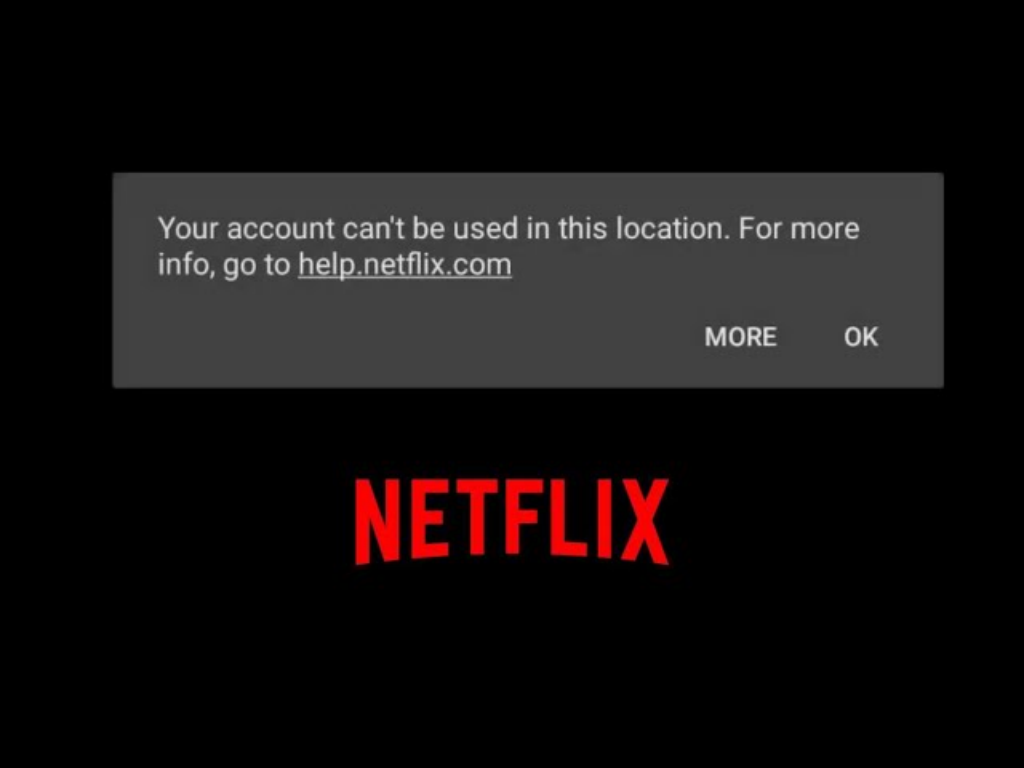
Netflix offers different content libraries in various countries and regions, which is why many users want to access overseas catalogs. While VPNs are commonly used, Netflix increasingly detects data center IPs, often showing the “Proxy Detected” warning. At this point, residential IPs provide a more stable and natural way to access content.
1. Why Choose Residential IP
- Real Residential IP: Comes from a real home network, making Netflix access appear natural and less likely to be flagged as proxy or bot activity.
- Multiple Regional Nodes: Allows selection of nodes in target countries, such as the US, UK, or Japan, for cross-region access.
- High Stability: Residential IPs are stable for long-term use, reducing the risk of disconnections or bans.
Compared to ordinary VPNs or data center IPs, residential IPs mimic real user behavior, offering smoother experience with fewer access restrictions.
2. Prepare Residential IP
- Choose a reliable proxy provider to ensure clean and stable IPs.
- Verify supported protocols (HTTP(S)/SOCKS5) and session modes (rotating or sticky).

3. Select Nodes Based on Target Region
Select the appropriate country or city node in your proxy management dashboard to ensure accurate and fast access.
4. Configure Device or Browser
- Add the residential IP to a fingerprint browser or system proxy.
- Use an independent browser profile to avoid cache or login leaks, enhancing account security.
5. Access Netflix
- Open Netflix and use your residential IP node to access the target region.
- After logging in, you can view the content library for the selected region.

6. Tips for Daily Use
- Avoid frequent node switching
- Maintain normal usage behavior to avoid triggering restrictions
- Use reliable proxy providers to ensure IP stability
- Do not share accounts
- Avoid logging into multiple regions simultaneously
Conclusion
Using residential IPs with an independent browser environment allows you to bypass Netflix geo-restrictions while maintaining account security and stable access. Key points:
- Real IP
- Stable Nodes
- Normal Usage Behavior
This setup lets you access Netflix as if you are in the target country without frequently encountering “Proxy Detected” warnings.