Unlock Google Gemini Using Residential IP

How to Enable Google Gemini Advanced in 2025 – Step-by-Step Guide

In 2023, Google launched the new AI product Gemini (formerly Bard), which can be used for writing, coding, brainstorming, and even generating marketing copy. However, Gemini is not available worldwide, and many users still see the frustrating message “Gemini is not available in your country.” The good news is that you can successfully unlock google gemini with a reliable residential IP and fingerprint browser, gaining instant access even from restricted regions.

“Gemini is not available in your country.”

This happens because Google determines user location based on IP addresses. If your network is outside supported regions, access will be blocked. The solution is to use residential IPs, which simulate a real user network.
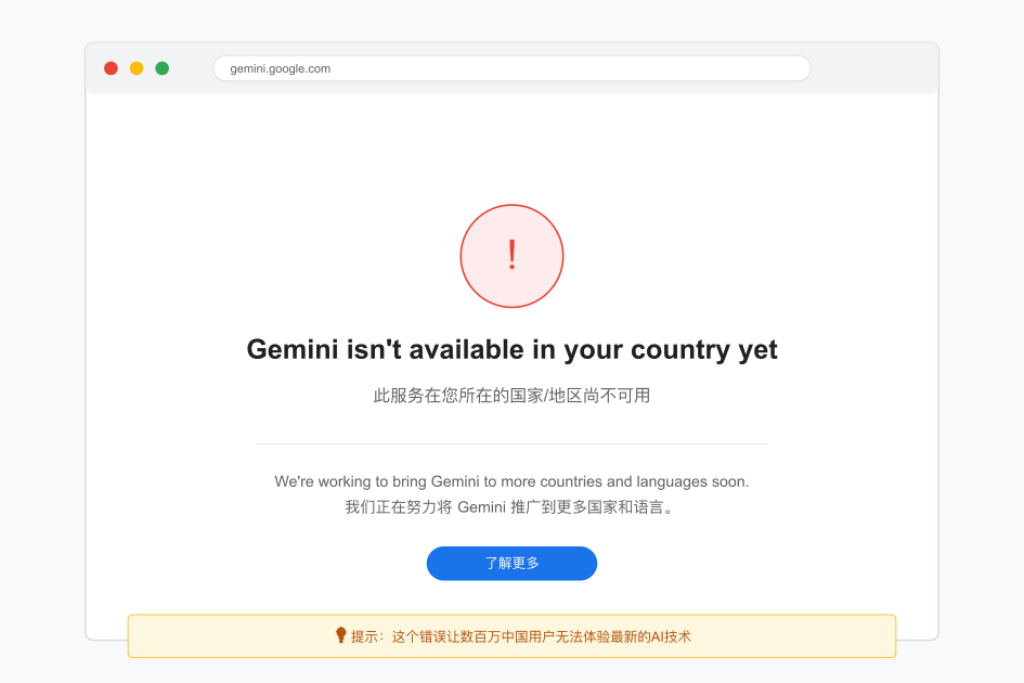
Google Gemini AI logo with "Not Available" error message on screen
Many users are seeing availability restrictions when trying to access Google Gemini

Why Use Residential IP to unlock google gemini

  • Data center IPs are easily detected: Google can identify and block data center IPs.
  • VPNs are unstable: Many public VPNs are blacklisted by Google, reducing login success.
  • Residential IPs mimic real users: From regular home broadband, residential IPs have higher login success rates.

Therefore, to access Gemini reliably, residential IP is the best choice: OKKProxy Residential IP.

Steps to Access Gemini

1. Prepare Tools

  • Residential IP provider covering Gemini-supported regions (US, Japan, Europe, etc.)
  • Proxy-configurable browser, preferably a fingerprint browser
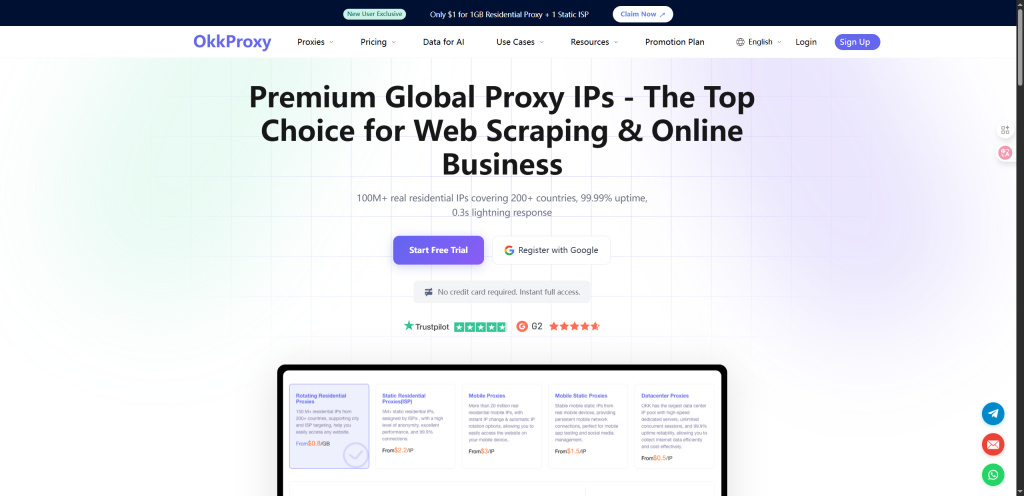
OkkProxy helps Google Gemini users bypass geo-restrictions and access the AI from anywhere
OkkProxy enables Gemini users to overcome geographic restrictions and use the AI without location barriers

2. Configure Residential IP

  • Create a new Profile in fingerprint browser
  • Assign an independent residential IP to the Profile
  • Recommended to fix the location (e.g., US) to avoid frequent switching

3. Log In to Gemini

  • Open Google Gemini
  • Ensure the IP is set to the target region
  • Log in with a Google account corresponding to that region
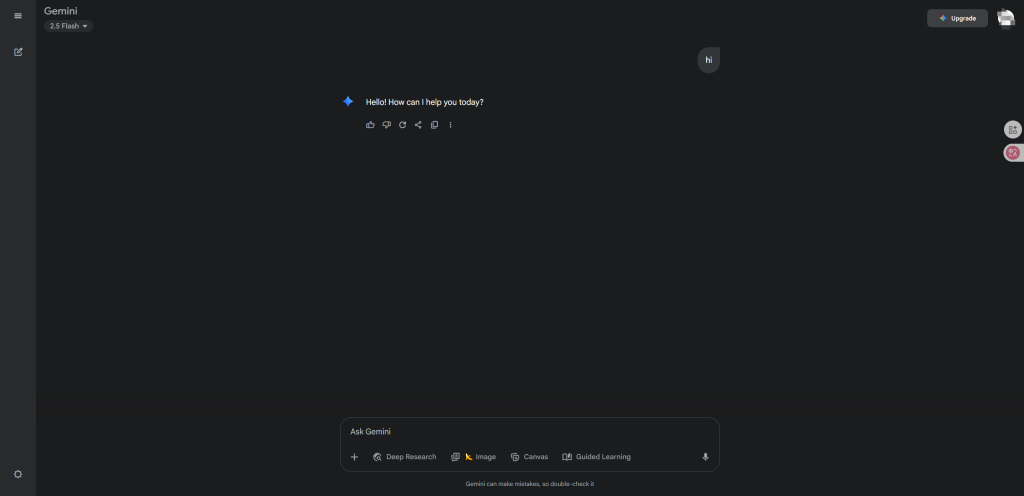
Google Gemini Interface 2025 – New UI Dashboard & Features Overview
Google Gemini Advanced Interface 2025: Latest Web Dashboard & Mobile Layout

4. Usage & Optimization

  • Keep the IP stable, avoid frequent switching
  • Always use the same Profile to maintain consistent browser fingerprint and cookies
  • For multiple accounts, use multiple Profiles with different residential IPs

Tips

  • Avoid shared or cheap proxies: likely blocked by Google
  • Do not frequently switch IP or regions
  • One environment per account: isolate Profiles for multiple accounts

Conclusion

Google Gemini’s region restrictions are essentially IP-based. To unlock access:

  1. Use residential IP to simulate a supported region
  2. Combine with a fingerprint browser to isolate account environments
  3. Maintain stable IP and normal usage behavior

This ensures reliable Gemini access, suitable for developers, cross-border e-commerce operators, and content creators.

About the author

Celia

Celia

Content Manager

Celia is a dynamic content manager with extensive experience in social media, project management, and SEO content marketing. She is passionate about exploring new trends in technology and cybersecurity, especially in data privacy and encryption. In her free time, she enjoys relaxing with yoga and trying new dishes.

OKKProxy Team

The OKKProxy Content Team brings years of specialized expertise in proxy technologies, residential IP infrastructure, and online privacy solutions. With deep hands-on knowledge in supporting global users across social media management, e-commerce operations, ticket acquisition, and ethical data collection, the team delivers reliable, practical, and up-to-date insights you can trust. Focused on performance, security, and real-world results, OKKProxy ensures every article is accurate, actionable, and designed to help users succeed in a dynamic digital landscape.

Main Services at OKKProxy

OKKProxy delivers premium residential proxies, featuring dynamic rotating IPs for high-volume and rotating tasks, alongside static residential IPs for long-term reliability and account stability. Boasting a pool of over 50 million clean IPs across 200+ countries, OKKProxy supports HTTP/SOCKS5 protocols, unlimited concurrency, and 99.9% uptime. Ideal for TikTok multi-account management, cross-border e-commerce, ticket snatching, and web data collection, OKKProxy combines affordability, professional-grade engineering, and 24/7 expert support to provide seamless, authoritative global access solutions.

The OKKProxy Blog offers all its content in its original form and solely for informational intent. We do not offer any guarantees regarding the information found on the OKKProxy Blog or any external sites that it may direct you to. It is essential that you seek legal counsel and thoroughly examine the specific terms of service of any website before engaging in any scraping endeavors, or obtain a scraping permit if required.